 Chordleaf
Privacy
Privacy: your songs stay in your browser
Chordleaf was built to work without accounts and without tracking. The editor and your songs live on your device; there is no user profile to create and no history to consult.
No accounts, no profiles
There is no registration, sign-in or personal area. Nobody at Chordleaf can see your songs because they are never uploaded to a server.
The app does not request camera, microphone or location permissions. The only thing an install adds is the service worker that lets the editor open offline.
No tracking cookies and no analytics
Chordleaf does not use advertising or measurement cookies, does not embed social pixels and does not send events to analytics tools. Your visit does not feed an advertising profile.
Fonts and code are served from the project's own domain, or from your own copy, without third-party CDNs watching the visit. If aggregate, cookie-free analytics were ever enabled, this page would be updated before switching it on.
The hosting provider delivers the static files and keeps technical access logs for the same reasons any web server does: to run the service, spot failures and defend it from abuse. Chordleaf does not link those logs to an identity because there are no identities to link.
Your songs stay with you
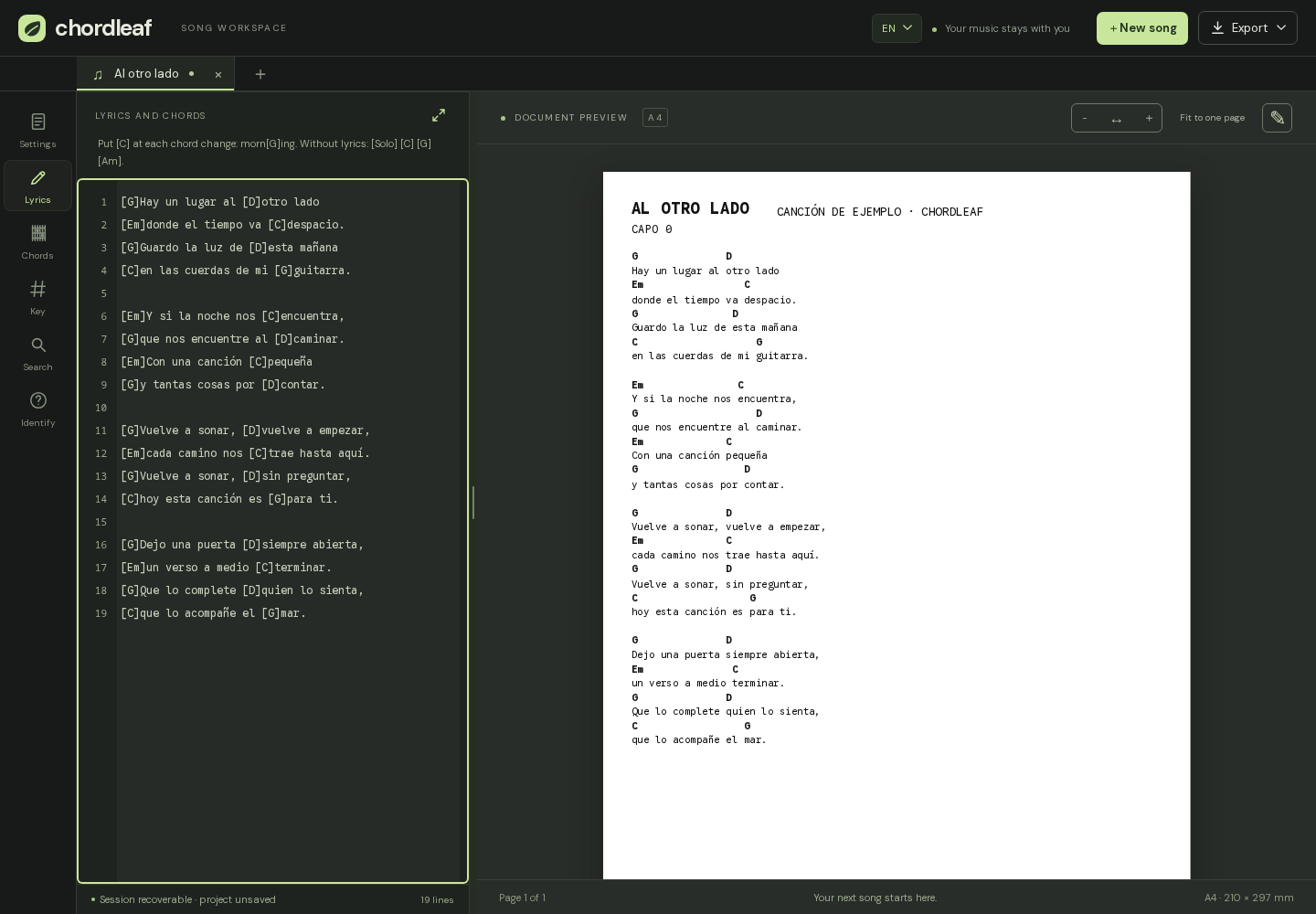
Songs, custom chords and settings are stored in your browser's local storage, on the device you are using. They are not synchronised across devices and do not leave it.
You can erase everything from the browser itself (clear site data) or uninstall the app. If you want to keep your songs, export a .chordleaf.json project first: that file downloads to your machine and is not sent anywhere.
Storage belongs to the site origin. If you move to your own Chordleaf copy one day, songs do not travel on their own: export the project from one origin and import it in the other. It is the same file you would use to move a song between browsers.
What touches the server
Most features never use the network: writing, placing chords, layout, transposition and export all run in the browser. The exceptions are downloading the app and web imports.
When you import a link, the server fetches the public page so your browser does not have to, and technical logs record the requested URL and any error. The hosting provider keeps those logs under its own policy; they are used to diagnose failures or abuse, not to identify you.
A rate limiter counts requests per address to prevent abuse. It is not linked to any identity and is not used for advertising.
The rest of the site is static: there is no user database, no song API and no admin panel to query. The files you see are served as they are, and the songs you write never reach that infrastructure.
Transparency and contact
The code is open, so you can check exactly what is stored and what is sent. Privacy and security questions go through GitHub: there is a private channel for vulnerabilities, and ordinary issues can be opened in the repository.
Chordleaf is free software. If you would rather not depend on someone else's server, you can host your own copy and keep your data on your own infrastructure.
Frequently asked questions
Do you use cookies?
We use no tracking or advertising cookies. The app stores your songs in browser local storage, which is not a cookie and never travels to the server.
Can I use Chordleaf offline?
Yes. After the first visit, the installable app keeps what it needs to open the editor offline and work with whatever is stored on the device.
What is sent when I import a link?
The song URL and the public page the server fetches to hand back to you. Neither your files nor your songs leave the browser.
How do I delete my data?
Clear the site data in your browser or uninstall the app. Export the .chordleaf.json project first if you want to keep your songs.